Covers the ergonomic, equipment, tax-deduction, and security steps first-time remote workers miss without an employer office to fall back on.
A tax-deduction eligibility note alongside the setup checklist means you're not missing considerations an employer's office would have handled for you.
Backed by a 30-day money-back guarantee. If it is not useful, we will refund it, no questions asked.
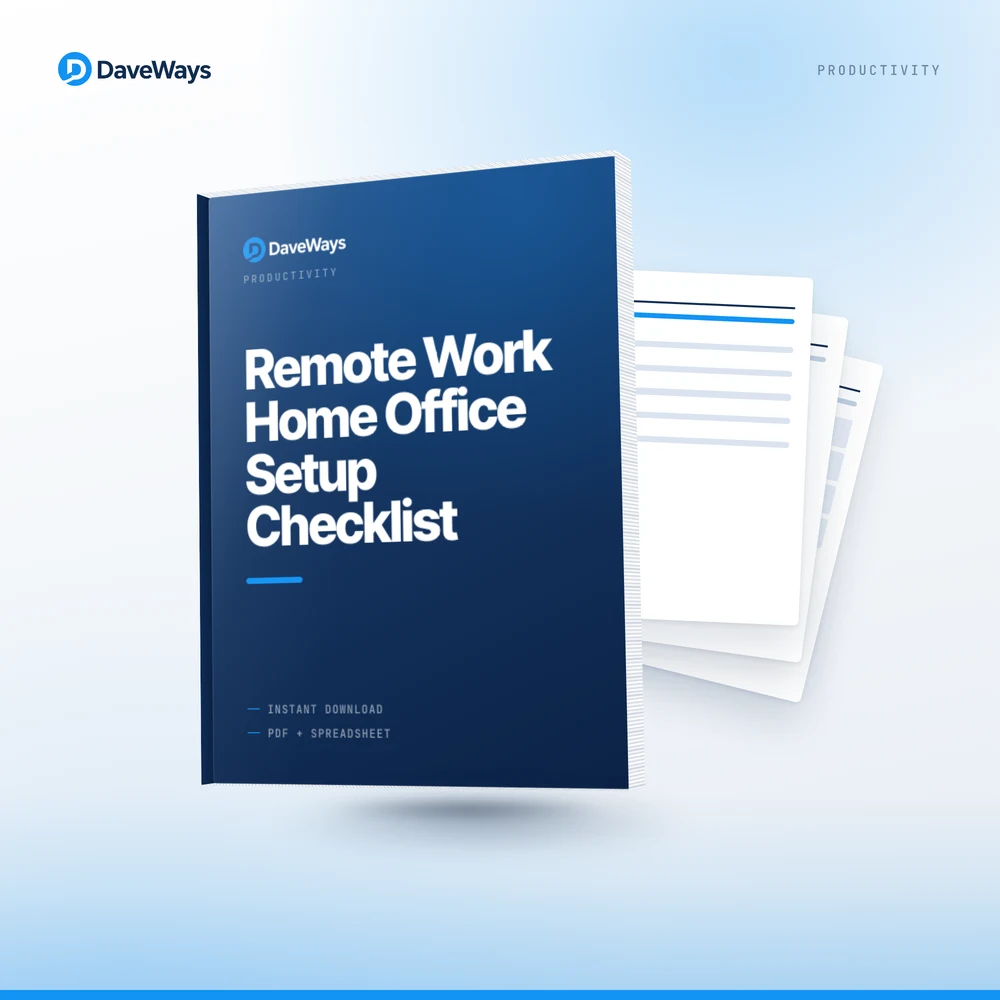
An employer office comes with ergonomic furniture, IT security, and equipment already sorted. A first-time remote worker has to figure all of that out alone, and most miss at least one category until it becomes a problem: wrist pain from a bad setup, a missed tax deduction, or a security gap. This checklist covers all four areas before your first fully remote week.
Step 1 sets monitor height, chair and desk height, and keyboard/mouse position, the three ergonomic changes that prevent most repetitive strain issues. Step 2 covers the specific equipment that separates a real home office from a laptop on a kitchen table. Step 3 walks through the actual IRS home-office deduction requirements (regular and exclusive business use) so you know whether your setup qualifies. Step 4 confirms your internet, backup connection, and basic security before you rely on it daily.
We built this after noticing most home-office advice covers ergonomics or equipment, but rarely the tax and security pieces together. Most W-2 remote employees don't qualify for the home-office deduction, but self-employed people often do, and that distinction alone is worth knowing before you assume either way.
— DaveWays
Monitor height, chair/desk height, and keyboard position prevent most repetitive strain issues from the start.
Know the actual regular and exclusive business use requirements before assuming your setup qualifies.
Internet speed, backup connection, and basic security confirmed before your first fully remote week.
I'm a W-2 employee working remotely, do I qualify for the home-office deduction?
Most W-2 remote employees do not qualify under current IRS rules; the checklist explains the regular and exclusive business use test so you can confirm your specific situation, and this isn't tax advice, so confirm with a tax professional.
What if I don't have a dedicated room for an office?
The regular and exclusive use test applies to the space, not the room; a dedicated desk area used only for work can qualify even without a separate room, covered in Step 3.
Does this include specific product recommendations?
No, it's a requirements and setup checklist, not a shopping list; it tells you what to look for (monitor height, chair support, etc.) so you can choose products that fit your budget.
Remote Work Home Office Setup Checklist (Free Preview) — download a condensed version free, no purchase required, to see if it's a fit before you buy.
Remote Work Home Office Setup Checklist is $9.99 USD, one-time payment, instant delivery, no subscription. Covered by our 30-day money-back guarantee. See our refund policy and terms.