
Negative keywords stop your ads from showing for searches that will never convert. On a small budget, that matters more than almost anything else you can do in the account: start with obvious mismatches, review the Search Terms report on a fixed schedule, and exclude a term only when its intent clearly conflicts with your offer.
A Worked Example: Where $45 A Month Was Leaking
A résumé-template seller spends $300 a month and receives 200 clicks at $1.50 each. Thirty of those clicks come from searches like "free résumé template," "resume writing jobs," and "résumé examples for school" — none of which match a paid product. At $1.50 a click, excluding those thirty searches redirects roughly $45 a month toward clicks that can actually convert: 15% of the entire budget recovered from three exclusions, not a platform overhaul.
This is a planning estimate, not a guaranteed saving — actual click cost and volume shift with competition and season. Rerun the math against your own Search Terms report before trusting a number.
Build The List In Six Steps
- Write down exactly who the offer is for — and who it clearly is not for.
- Create a starter list of job-seeking, free, login, support, and unrelated-product terms wherever they apply to your offer.
- Choose account, campaign, or ad-group scope deliberately — a negative that's right for one campaign can block valuable traffic in another.
- Launch with a restrained match choice rather than a giant speculative list built before you have any data.
- Review actual search terms at least weekly during the early learning period.
- Add exclusions one at a time, note why, and check afterward that you haven't blocked a valuable query.
Reading The Search-Query Filter
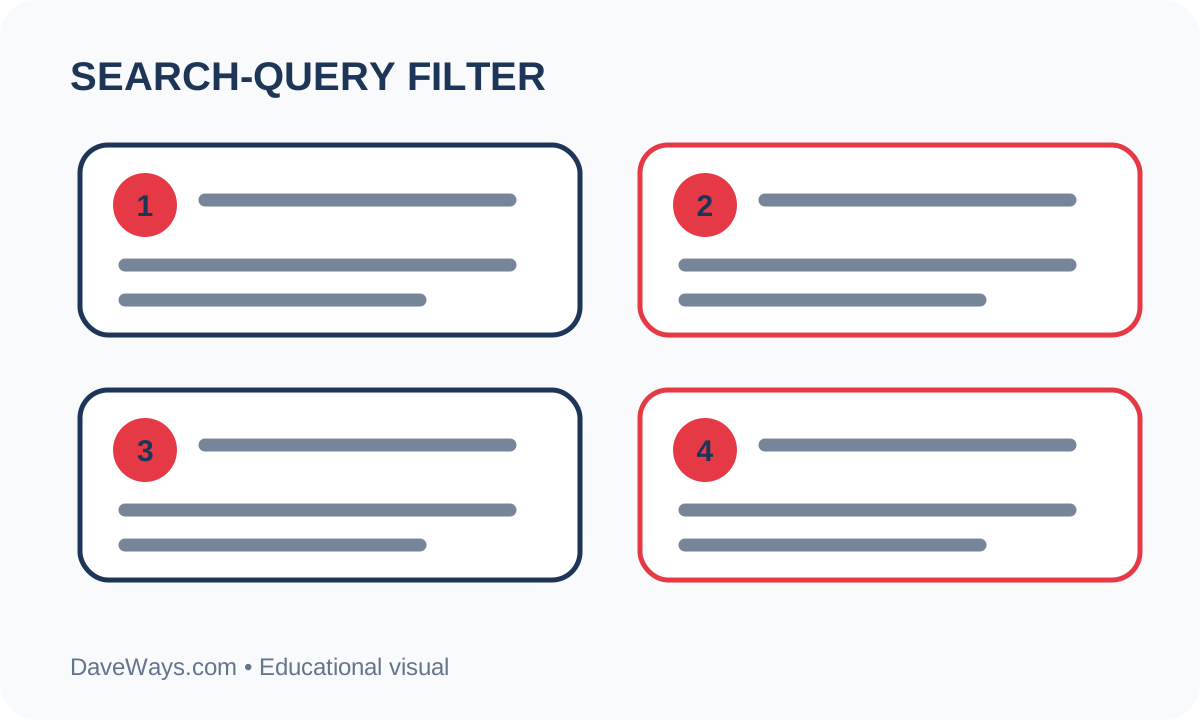
The funnel starts with actual user searches, removes clearly irrelevant intent, and holds uncertain terms back for observation instead of excluding them outright. A negative keyword should pass one test: if this exact search had converted, would that customer genuinely be a fit? When the answer isn't obvious, gather more conversion data before excluding the term — a search that looks unusual isn't automatically a bad one.
Match Types: Broad, Phrase, Exact
A negative keyword's match type decides how much it blocks, and getting this wrong causes most of the "why did this exclude good traffic" problems. A broad-match negative like free blocks any search containing that word in any order, which is usually too wide. A phrase-match negative like "free template" blocks searches containing that exact phrase in that order, but still allows "template for free download." An exact-match negative like [free template] blocks only that precise search. Start narrower than feels necessary — phrase or exact — and only widen to broad match once you've confirmed the term is genuinely never relevant in any combination.
Reviewing Without Cutting Off Good Traffic
Set aside 15 minutes weekly to read real search terms rather than relying on keyword-level performance alone. Pull ten actual queries and write a one-sentence justification for excluding each candidate. If the reason relies on a term merely "looking" wrong rather than a documented mismatch with your offer, leave it running and keep watching instead.
Common Mistakes To Avoid
- Adding ambiguous single words ("free," "jobs," "cheap") that can also appear inside searches that would have converted.
- Confusing a user's search term with your own keyword — the two are reported separately and often diverge.
- Applying a campaign-specific exclusion at the account level, which silently blocks that term everywhere, including campaigns where it's a good match.
- Optimizing for fewer clicks before conversion tracking actually works, which can hide whether an exclusion helped or hurt.
The Google Ads Launch Kit includes a starter negative-keyword worksheet alongside campaign planning sheets and a launch checklist, so the first list you build isn't blank.
Product recommendation
Recommended DaveWays Resources
Google Ads Launch Kit
Campaign planning sheets, a launch checklist, and a starter negative-keyword worksheet for a small-budget account.
FAQ
Should “free” always be a negative keyword?
No — it depends on your funnel. If a free lead magnet is genuinely part of your offer, “free” can bring in exactly the right searcher; for a direct paid offer it usually won't.
How often should I review search terms?
Weekly is reasonable at launch. Once volume and spend are stable, adjust the cadence to match how much new data the account is generating.
Can negative keywords block good traffic?
Yes. Overly broad exclusions, especially at the account level, can suppress qualified searches — always check the match type and scope before adding one.
What match type should I use by default?
Start with phrase or exact match, which block a narrower, more predictable set of searches. Move to broad match only after you've confirmed a term is never relevant in any word order or combination.
Educational content only. DaveWays is not affiliated with or endorsed by Google. Ad platform features, costs, and interfaces change frequently — confirm current behavior in Google Ads Help before making account changes.
Sources: Google Ads Help: negative keywords and Google Ads Help: Search terms report.
Join the email list for practical digital marketing worksheets, buying guides, and product updates.