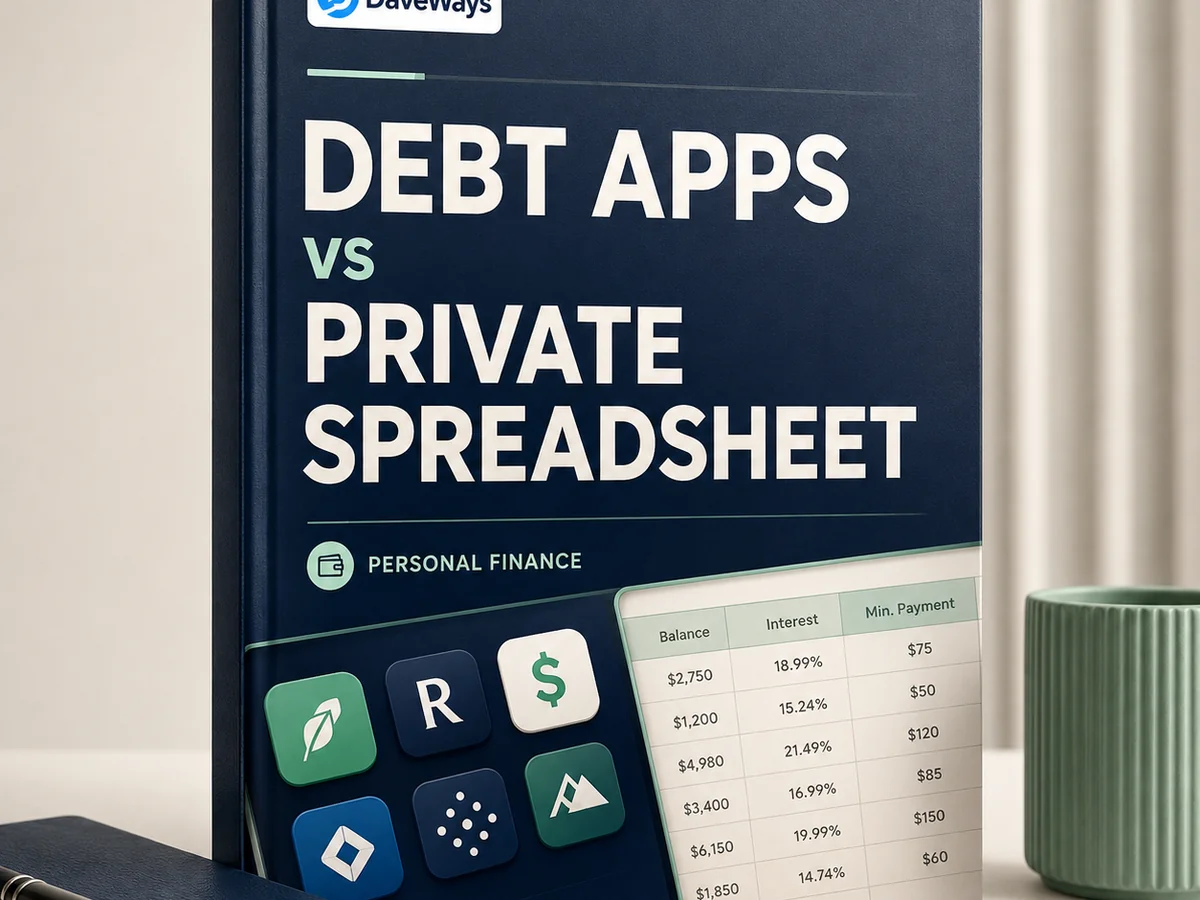
There's a specific kind of person who searches for this: someone who's tried a budgeting app, got as far as the screen asking for their online banking credentials, and closed the tab.
If that's you, you're not being paranoid, and you're not stuck. A spreadsheet does the job.
Here's an honest comparison, including the parts where apps genuinely win.
What Apps Are Good At
Automatic updates. Connect your accounts and balances refresh themselves. No typing, no statements, no monthly ritual.
Categorised spending. Good apps show you where the money went without you doing any sorting, which is genuinely useful if you don't know why your balance keeps rising.
Reminders. Due date alerts reduce missed payments, and a missed payment can trigger a penalty APR that costs more than most of these tools charge.
Projections. Enter a payment amount and see a payoff date. Some do this well.
If those things are what's stopping you from making progress, an app may be the right tool. Nothing below is an argument that apps are bad.
What They Cost You
Bank credentials. Most aggregation services require your online banking login, or an OAuth connection to your bank. Even where the security is sound, it's a decision worth making deliberately rather than by default. Some people are fine with it. Some aren't, and that's a legitimate position rather than technophobia.
A subscription. Many are $5 to $15 a month. If you're paying $10 a month to track debt you're trying to clear, that's $120 a year going to the tracking rather than the debt. It's a small irony but a real one.
Your data. Read the privacy policy. Aggregated financial data is valuable, and how it's used varies enormously between providers. Some are excellent. Some are advertising businesses.
Dependence. If the company shuts down, changes pricing, or drops your bank, your system goes with it. This happens more often than you'd expect.
What A Spreadsheet Is Good At
It's private. It sits on your machine. No login, no company, no data leaving your computer.
It's free and it stays free. No subscription, no upsell, no feature moved behind a paywall next year.
It's permanent. A spreadsheet you build today opens in ten years. No account to lose.
It's yours to change. Add a column, restructure it, track something the app designers never considered. Nothing is locked.
And - this is the part people underestimate - typing your balances in yourself is different from reading them. Manually entering a number you'd rather not look at makes it land. A notification you swipe away doesn't.
What A Spreadsheet Costs You
Being fair about this: you have to actually do it.
Nothing updates automatically. Once a month you open your statements and type in the balances. If you won't do that, the sheet goes stale and becomes useless, and a stale spreadsheet is worse than an app you'd actually use.
There's no reminder either, so you'll need the calendar entry and the autopay set up separately.
And it won't categorise your spending. If your core problem is "I don't know where the money goes," a spreadsheet of balances won't answer that - you'd need to review statements manually, or use an app.
Which One For Which Person
An app makes sense if you don't know where your money goes, you're likely to miss payments without alerts, you have many accounts across multiple institutions, or automation is genuinely the thing that makes you engage.
A spreadsheet makes sense if you're uncomfortable sharing bank credentials, you don't want another subscription, you already know your problem and just need a plan, you've got a handful of cards rather than dozens, or you've tried apps and abandoned them.
Plenty of people use both - an app for day-to-day spending awareness, a spreadsheet for the payoff plan. They're not really competing.
Getting Started With The Spreadsheet Route
Takes about fifteen minutes.
The free payoff tracker has the columns already built. List every card, enter balance, APR, and minimum payment, and it works out your monthly interest cost and ranks your cards by both payoff methods.
Then set the routine: same date each month, update balances, five minutes. Put a recurring calendar entry in now that's the piece the app would have handled, so you have to handle it.
Set up autopay for the minimum on every card separately. That's your protection against a missed payment, and it's independent of whichever tracking method you use. More on managing several cards here.
If You Want More Than A Blank Sheet
The free tracker handles balances, interest, and payoff order.
OFF THE CARD ($24.99, one-time) adds a 25-page payoff guide, a 14-page printable worksheet pack, a 90-day action plan, and an expanded tracker. One payment, no subscription, 30-day money-back guarantee. It's built specifically for people who want a system that works offline and doesn't ask for a bank login.
Worth stating plainly: it's a one-time $24.99 rather than $10 a month, and it never asks for your banking credentials because it has no way to use them.
Product recommendation
Recommended DaveWays Resources
OFF THE CARD
A credit card debt payoff kit with a guide, worksheets, and tracking spreadsheet.
Monthly Money Dashboard
A dashboard-style money tracker for monthly cash flow, bills, debt, and savings.
FAQ
Can I track debt without linking my bank account?
Yes. A spreadsheet using figures from your statements does everything a payoff plan needs. The trade-off is manual updating.
Are debt payoff apps safe?
Reputable ones use established security practices, but you're still sharing financial access with a third party. Read the privacy policy and decide deliberately.
Is a spreadsheet as good as an app for paying off debt?
For the payoff plan itself, yes - the arithmetic is the same. Apps win on automation and spending categorisation; spreadsheets win on privacy, cost, and permanence.
How often do I need to update a debt spreadsheet?
Once a month is enough. Balances only meaningfully change once per billing cycle.
Is this financial advice?
No, it's a comparison of tracking tools. For debts you can't cover the minimums on, contact a non-profit credit counseling service.
Educational resource only. Not financial, tax, legal, or credit advice.
Educational content, not financial advice. Your situation, interest rates, and card terms may differ — confirm current numbers with your card issuer or a licensed financial advisor before changing your payoff plan.
Sources: CFPB: Credit cards and CFPB: Debt collection.
Free checklist
Get The 5-Step Credit Card Payoff Checklist.
A one-page printable checklist to list balances, choose a payoff method, and pick the next card to target. Free by email, unsubscribe anytime.