
Most people carrying credit card debt don't actually know their own numbers. Not because they're careless — because the numbers are spread across four different apps, three paper statements, and one card they'd rather not think about.
You can fix that in about fifteen minutes with a spreadsheet.
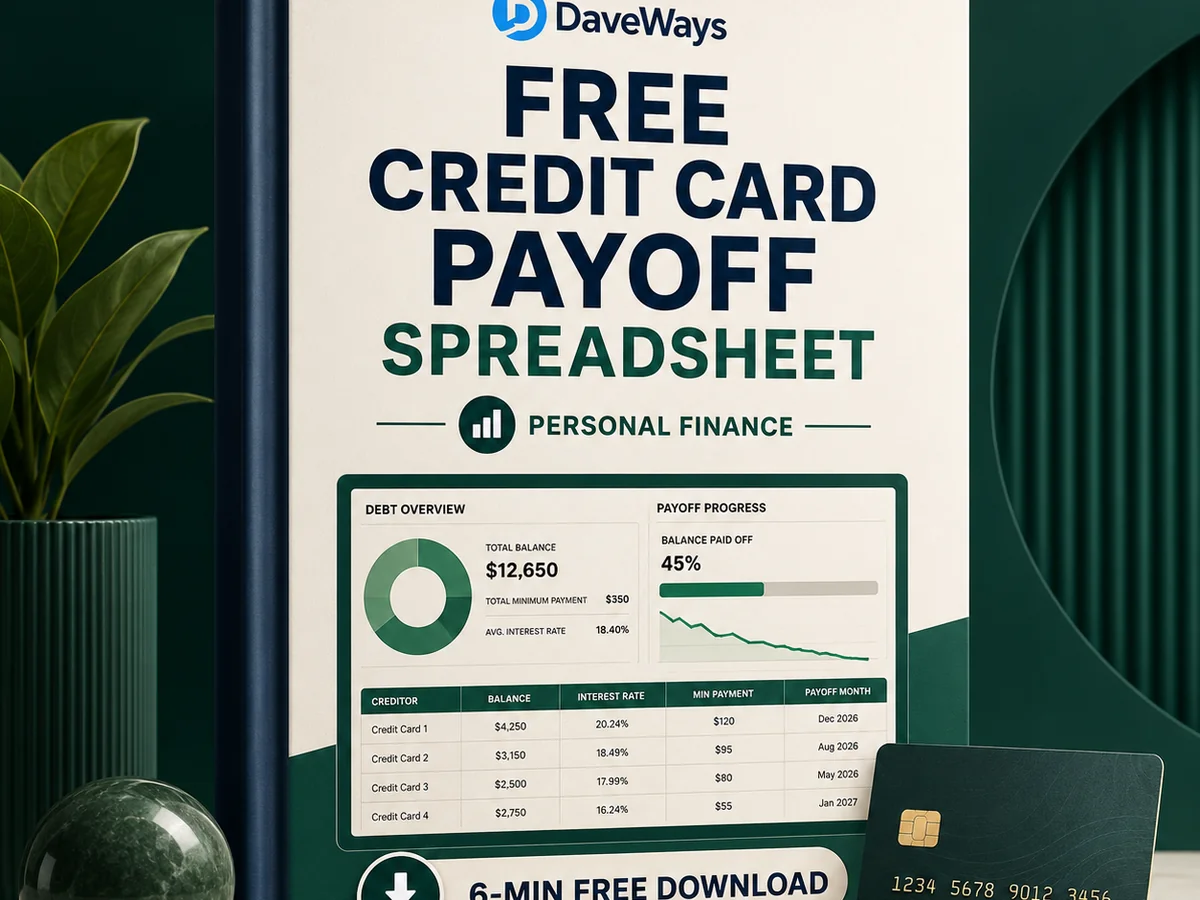
Here's a free one. Download it, fill in the white columns, and it'll tell you what you owe in total, what that debt costs you every month, and which card to attack first. No email required, no bank login, nothing syncing anywhere.
Download the free payoff tracker (CSV)
It opens in Excel, Google Sheets, or LibreOffice Calc. If you're on Google Sheets, go File → Import → Upload, and choose "Replace spreadsheet."
What You Type In, And What It Works Out
There are four columns you fill in yourself, and every one of them is on your statement:
Card or account name. Whatever you'll recognize. "Amex," "the furniture one," it doesn't matter.
Balance. What you currently owe. Use today's number, not your limit.
APR. The purchase APR, written as a number like 24.99. If your statement shows different rates for purchases, cash advances, and balance transfers, use the purchase rate for now and make a note of the others.
Minimum payment. The minimum due on your latest statement.
The sheet handles the rest. It calculates what each card costs you in interest per month and per year, totals your debt, totals your minimums, and then ranks your cards two different ways.
The Two Ranking Columns Are The Useful Part
Column G ranks your cards smallest balance first. That's the snowball order.
Column H ranks them highest interest rate first. That's the avalanche order.
Those are the two payoff strategies basically everyone uses, and the argument about which is better has been going for decades. Avalanche costs you less in interest. Snowball gets you your first cleared card sooner, which matters more than finance people like to admit. Here's a fuller comparison if you want to think it through properly.
For now: pick one column. Follow it. Pay minimums on everything else and throw every spare pound or dollar at whichever card sits at position 1.
The reason to pick one and stick with it is that switching methods halfway is how people end up spreading extra payments evenly across five cards, which is the one approach that definitely doesn't work.
Why The Interest Column Is Worth Staring At
Most people underestimate what their debt costs per month, and the gap is usually large.
A $5,000 balance at 22.9% APR costs about $95 a month in interest. That's before you've paid down a single dollar. $10,000 at 21.5% is roughly $179 a month.
Put another way: on that $5,000 card, if your minimum payment is around $145, roughly $95 of it is rent on money you already spent. About $50 actually reduces what you owe.
That's not a scare tactic, it's just arithmetic — balance × APR ÷ 12. The spreadsheet does it for every card and adds them up. Seeing one combined monthly interest figure at the bottom of the sheet tends to be the moment things get real for people.
A Realistic Way To Use It
Fill it in once, properly. Dig out every statement. The temptation is to leave off the embarrassing card, and that's exactly the one that changes the picture.
Then set a monthly rhythm: same day each month, update the balances, look at what moved. That's the entire routine. It takes five minutes once the sheet exists.
Two habits that make a real difference:
Keep the original balances somewhere so you can see the trend. A column of numbers going down is the only motivation system that reliably works.
And when a card hits zero, roll its payment into the next one rather than absorbing it back into normal spending. That rolled-up payment is what makes the last few cards fall much faster than the first.
Why A Spreadsheet Instead Of An App
Plenty of good budgeting apps exist. But they generally want your bank login, a subscription, or both — and if you're specifically trying to spend less money, a monthly fee to track your debt is a strange place to start.
A spreadsheet lives on your machine. Nobody sees it. It doesn't email you. It works offline, it works in ten years, and you can change it however you like.
The trade-off is honest: nothing updates automatically. You type the numbers in. For a lot of people that's actually the point, because typing the balance in yourself is harder to ignore than a notification you swipe away.
If You Want The Fuller Version
The free tracker above covers the essentials — balances, interest, and both payoff orders.
If you want the whole system, OFF THE CARD ($24.99, one-time) adds a 25-page plain-English payoff guide, a 14-page printable worksheet pack, a 90-day action plan, and an expanded tracker. It's a one-off purchase with a 30-day money-back guarantee, and it's the same approach as the free sheet with considerably more structure around it.
The free one is genuinely useful on its own, though. Start there.
Product recommendation
Recommended DaveWays Resources
OFF THE CARD
A plain-English credit-card payoff toolkit with a guide, printable worksheets, a 90-day plan, and an Excel or Google Sheets-compatible tracker.
Monthly Money Dashboard
A dashboard-style money tracker for monthly cash flow, bills, debt, and savings.
FAQ
Do I need Excel?
No. It's a CSV, so it opens in Google Sheets and LibreOffice Calc too, both free.
Will the formulas survive the import?
In Excel and LibreOffice, yes. In Google Sheets, use File → Import rather than dragging the file in, and the calculated columns will come through.
What if I have more than ten cards?
Copy the last row down and extend the ranges in the totals row.
Does it handle promotional 0% rates?
Enter 0 as the APR and note the expiry date next to the card name. When the promo ends, update the APR — that's usually the moment a card jumps up the avalanche ranking.
Is this financial advice?
No. It's a calculator that organizes numbers you already have. If your situation involves collections, court action, or debts you can't cover the minimums on, talk to a non-profit credit counsellor rather than a spreadsheet.
Educational resource only. Not financial, tax, legal, or credit advice.
Educational content, not financial advice. Your situation, interest rates, and card terms may differ — confirm current numbers with your card issuer or a licensed financial advisor before changing your payoff plan.
Sources: CFPB: Credit cards and CFPB: Debt collection.
Free checklist
Get The 5-Step Credit Card Payoff Checklist.
A one-page printable checklist to list balances, choose a payoff method, and pick the next card to target. Free by email, unsubscribe anytime.