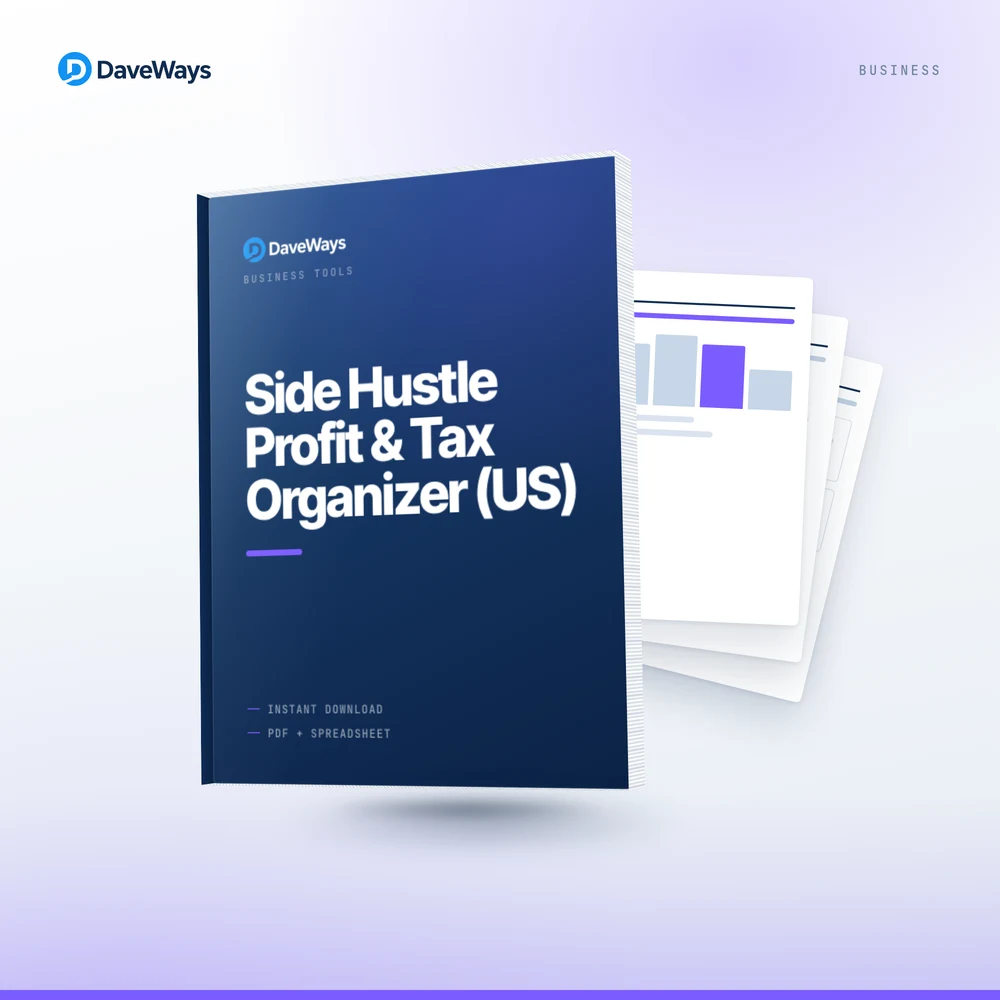
Product Cover
Full working screenshots of the dashboard, trackers, and printable pages are being prepared. Email support@daveways.com for a detailed walkthrough before you buy.
Business, Marketing & AI product
A 240 dollar Etsy sale is not 240 dollars once fees and taxes come out, but most trackers stop at income and expenses. This kit adds a mileage log and a quarterly tax worksheet: log income and Schedule-C-style expenses, track trip mileage, then see net profit with an estimated 15.3% self-employment tax and a suggested 25-30% set-aside so you are not guessing in April. Built for US freelancers, creators, and sellers who are not ready for an accountant.
Seeing net profit after self-employment tax, with a suggested set-aside, means April stops being a guessing game.
✓ Refund requests accepted within 30 calendar days of purchase via support@daveways.com. Refund Policy
What's included
Who it is for
US freelancers, Etsy and Amazon sellers, affiliate marketers, consultants, and creators earning side income who want to see real profit and avoid a tax-season shock without paying for QuickBooks.
Checkout is one-time, processed by Paddle, with instant digital delivery after successful payment.
Preview
Full working screenshots of the dashboard, trackers, and printable pages are being prepared. Email support@daveways.com for a detailed walkthrough before you buy.
FAQ
No. It is an organisational tool and educational resource, not tax or accounting advice. The tax figures are planning set-asides, not filings.
Not automatically. Log a fee as its own line in the Expense Log, or enter your income net of fees in the Income Log — whichever matches how your platform reports it.
No tool can without your full tax picture. It estimates a planning set-aside percentage of profit so money is waiting when you file.
Neither — it is a browser-based HTML tracker (see Format above). You can print any section, including the mileage log, to keep in the glovebox.
Related products

Plan affiliate campaigns and track offers, links, spend, commissions, and ROI.
Campaign planning sheets, launch checklists, and tracking templates for search ads.
Disclaimer
This is an organisational tool and educational resource, not tax, accounting, or legal advice.