Reimbursement requests get lost in email, causing payment delays and employee frustration.
Tracking each request from submission to payment closes the loop that email threads usually drop, so reimbursements stop getting delayed.
Backed by a 30-day money-back guarantee. If it is not useful, we will refund it, no questions asked.
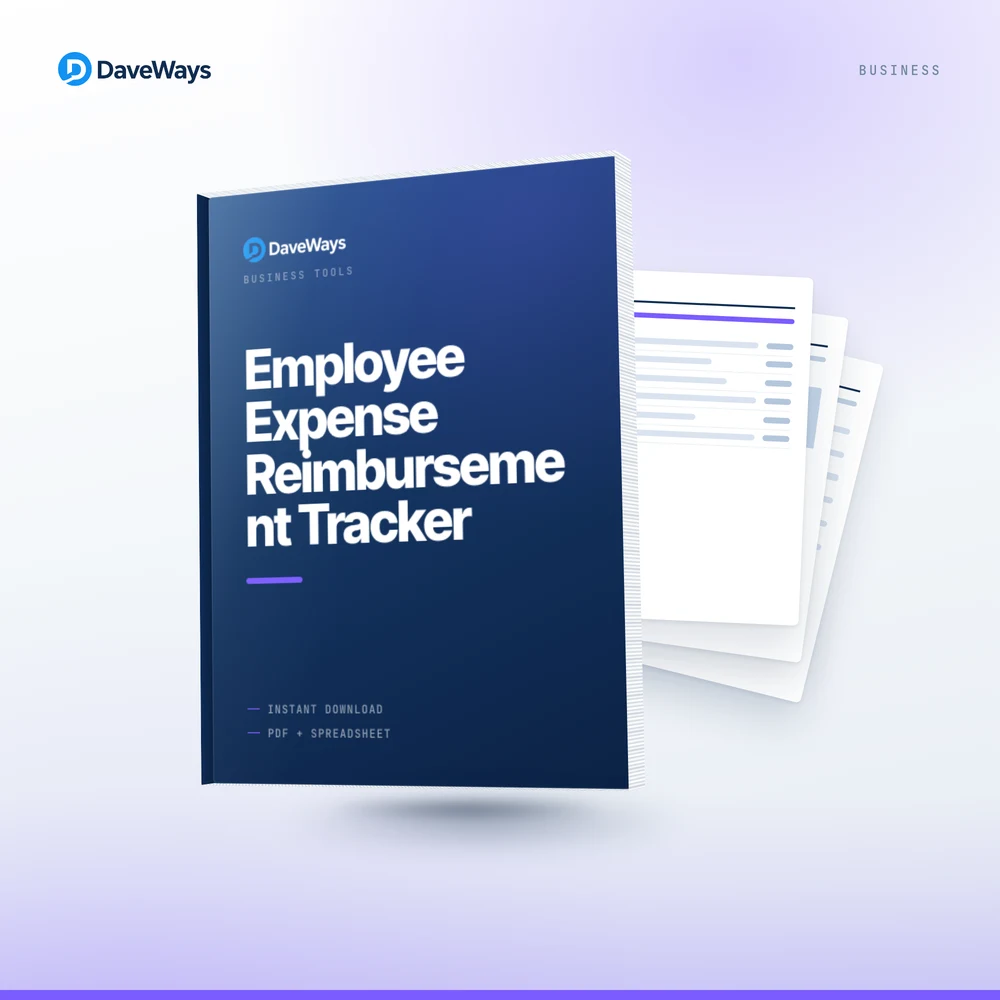
An expense request sent by email has no visible status — it either gets paid promptly or quietly stalls, and without a tracker, nobody notices which one is happening until an employee asks.
Log every request the day it's submitted with amount and receipt status, update Approval Status as it moves through review, and once paid, enter the date and the sheet calculates days to payment automatically — closing the loop most informal systems drop.
We built this after noticing expense reimbursement is one of the most common sources of employee frustration, almost always because there's no visible status between submitted and paid.
— DaveWays
Days to Payment calculated automatically flags a request that's been sitting too long.
Missing documentation gets caught early instead of reaching approval incomplete.
Every request tracked from submitted to paid, not lost in an email thread.
Does this process payments?
No, it tracks status and timing; the actual reimbursement still happens through your normal payment method.
How is Days to Payment calculated?
Date Paid minus Date Submitted, automatically, once you enter the payment date.
Can I track multiple employees in one sheet?
Yes, log every employee's requests as rows in the same tracker; there's no cap on entries.
Want more tools like this? Browse every Business tool.
Employee Expense Reimbursement Tracker (Free Preview) — download a condensed version free, no purchase required, to see if it's a fit before you buy.
Employee Expense Reimbursement Tracker is $12.99 USD, one-time payment, instant delivery, no subscription. Covered by our 30-day money-back guarantee. See our refund policy and terms.